BADFACE HELP
Your BADFACE is built from four carousels stacked together: HEAD, EYES, NOSE, MOUTH. Each one scrolls independently.
Carousel Navigation

tap the left side of the carousel for next slide

tap the right side of the carousel for next slide — this is also the control to recall your favourites/uploads when 'quick find' is enabled
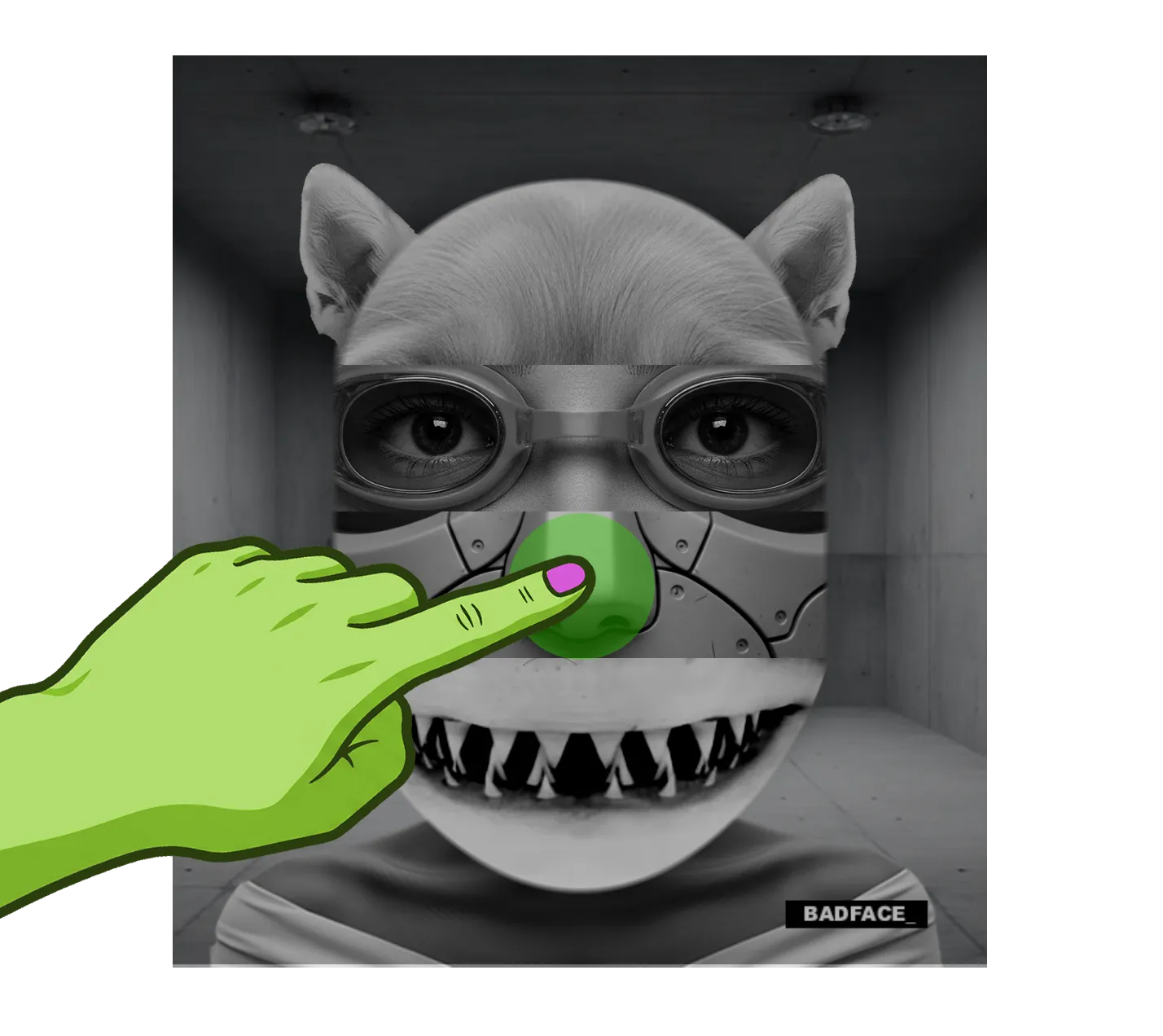
tap the centre of the carousel for a random slide
Background & Shoulders
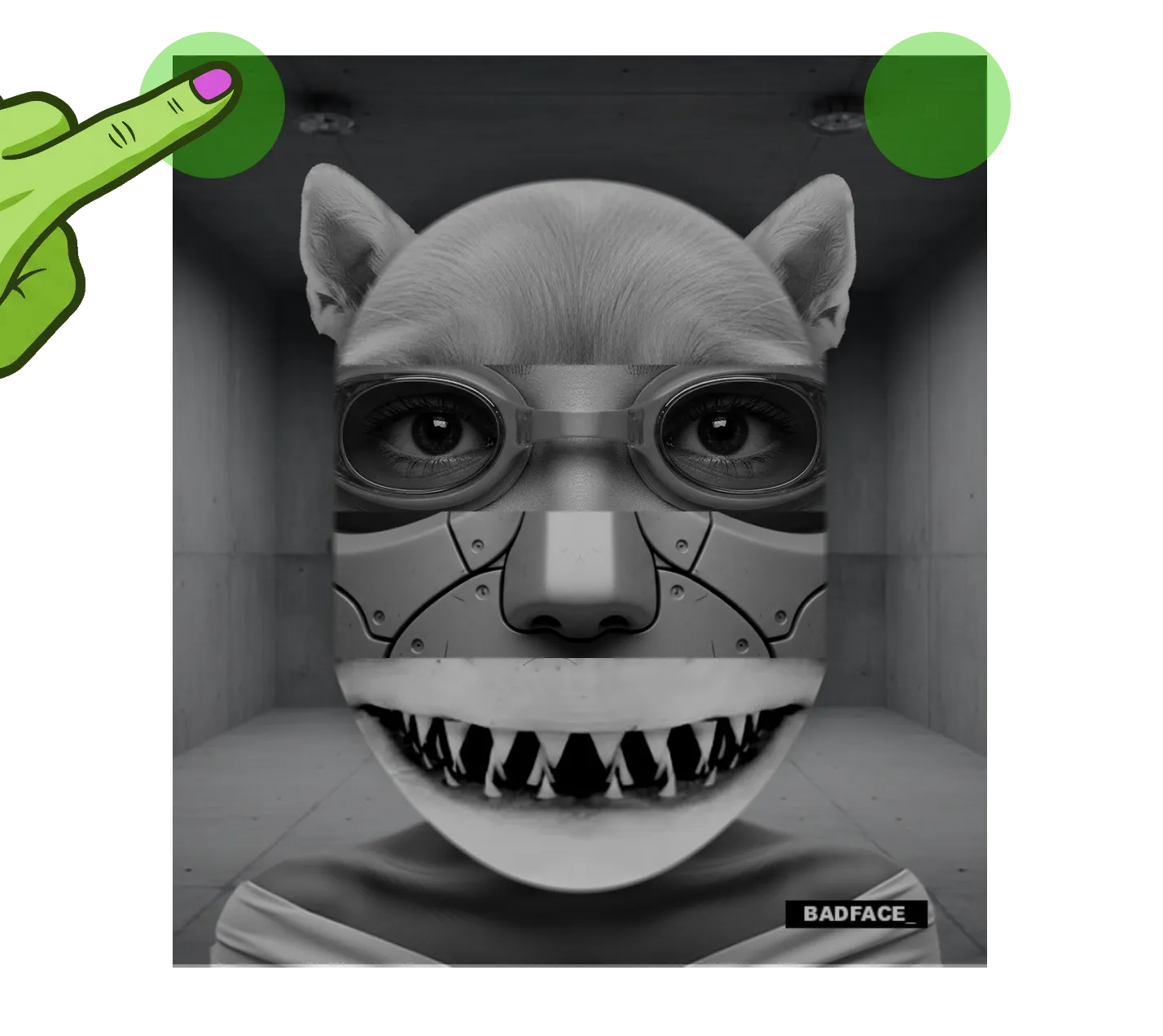
click either top corner for next background
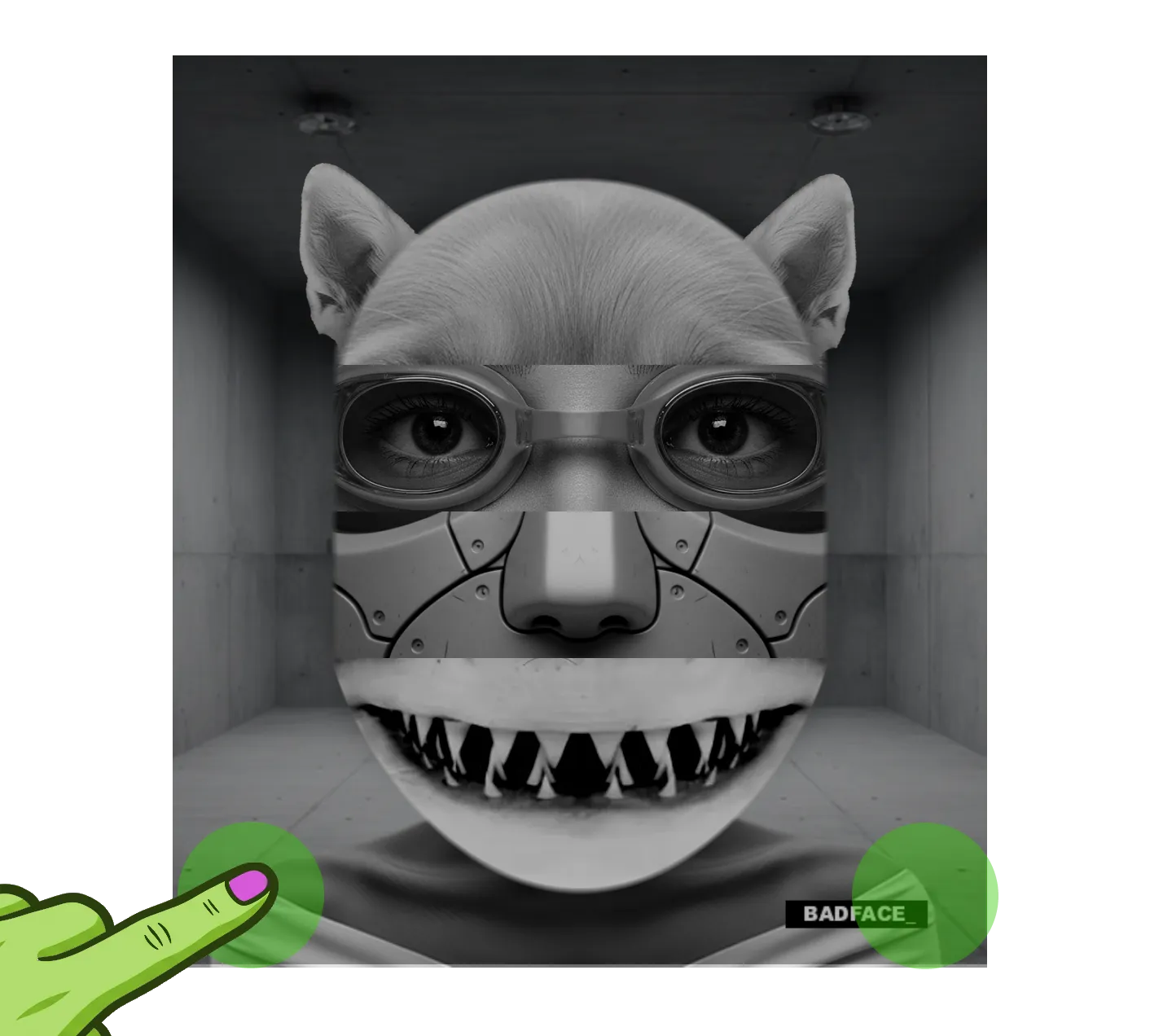
click either bottom corner for next shoulders
Always visible under the face.
Shuffle
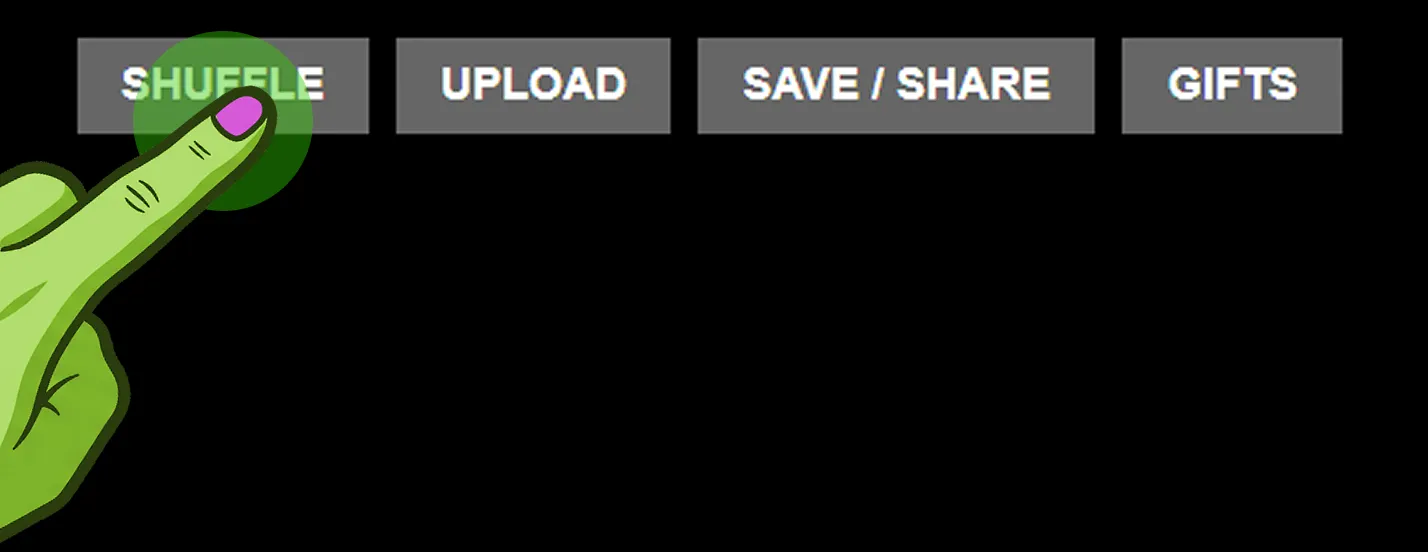
- Tap SHUFFLE once to randomise all four face parts
- Long-press SHUFFLE to start AUTOSHUFFLE — the button glows solid orange while running, long-press again to stop
- What AUTOSHUFFLE actually does depends on the STYLE chosen in Settings → Shuffle (see section 7)
Upload
- Tap UPLOAD to choose which part to add a photo to — head, eyes, nose, or mouth
- Full walkthrough of the uploader itself — scaling, dragging, mirroring — in section 4
Save / Share
- Tap SAVE / SHARE to capture your current BadFace as an image
- Lets you save it to your device or share it directly
Gifts
- Tap GIFTS to open the shop flow — put your current BadFace onto a t-shirt or sweatshirt and order it as a physical product
Hamburger icon, top of screen.
Enters/exits BADBEATS mode (see section 8)
Badbeats
Choose which image sets appear in your carousels — All, My Face Parts, Humans, Animals, Non-Humans, Accessories, Favourites — tick any combination, then OK
Face Sets
View your own uploaded/favourited parts as a Gallery or Slider, or jump straight to the uploader for any part
Your Parts
Opens the BADFACE mini-games page
Games
The full settings panel (see section 7)
Settings
The in-app help guide
Help
Opens the BADFACE store in your browser
Shop

tap the upload button to begin
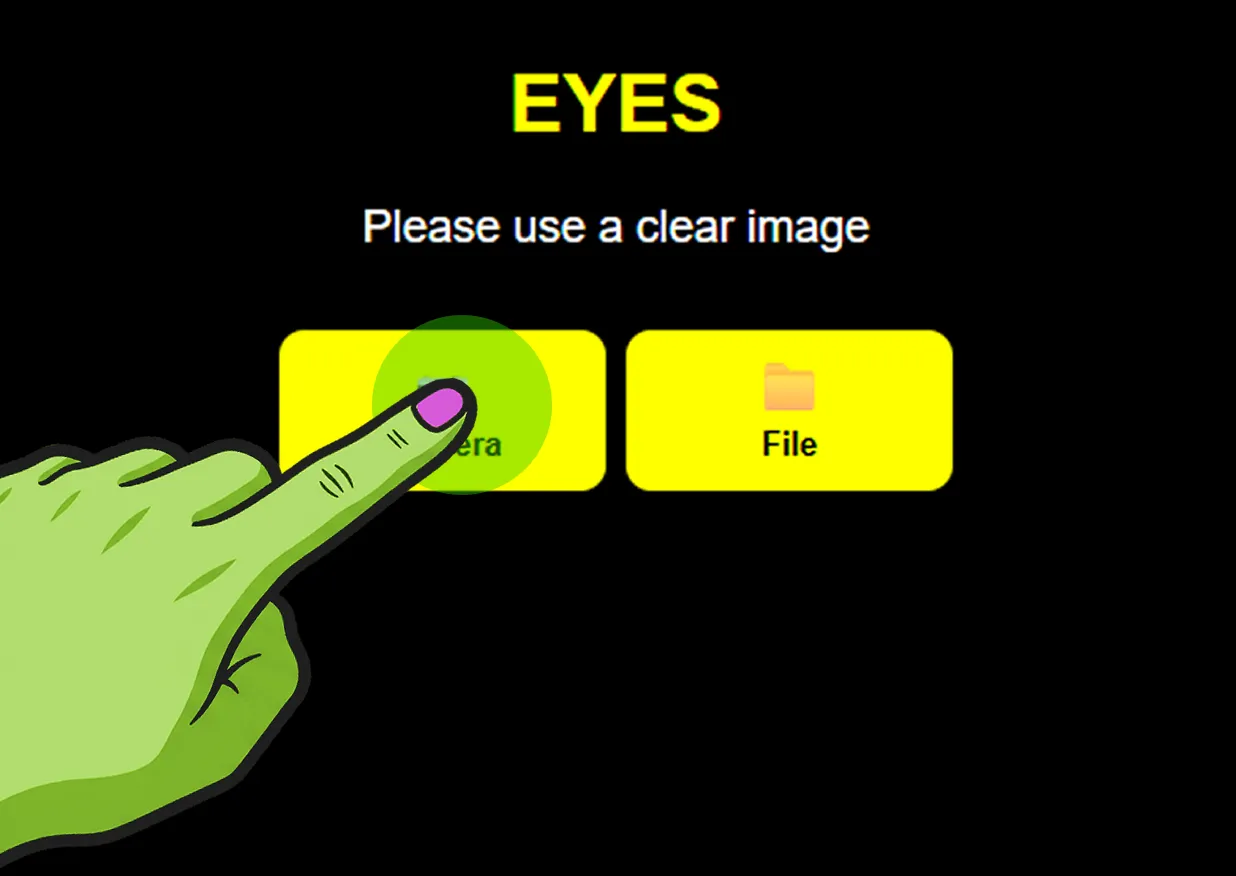
choose to take a photo with your camera or select an image from your files — camera or file
Image Controls
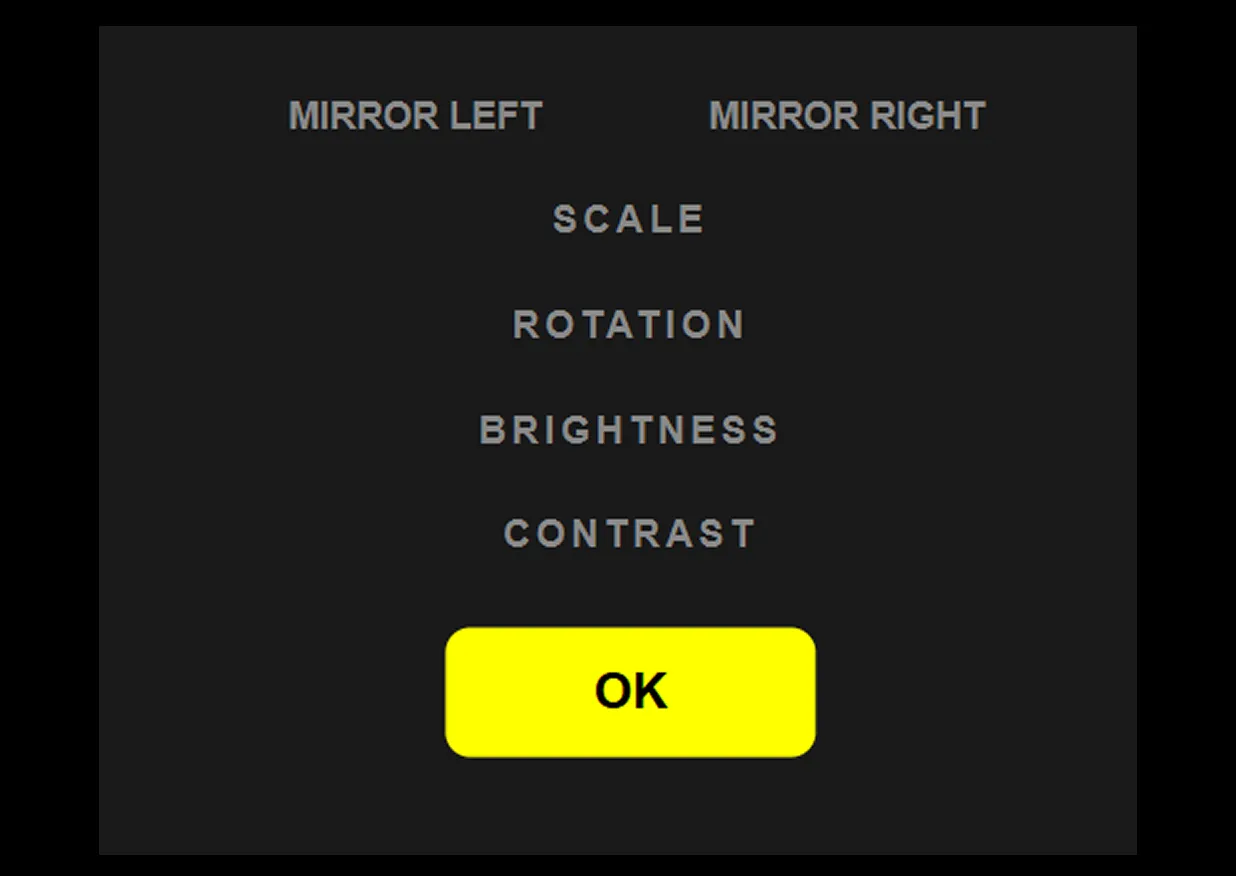
use the on-screen controls or your fingers — or a combination of both — to adjust your image: scale, rotate, brightness & more
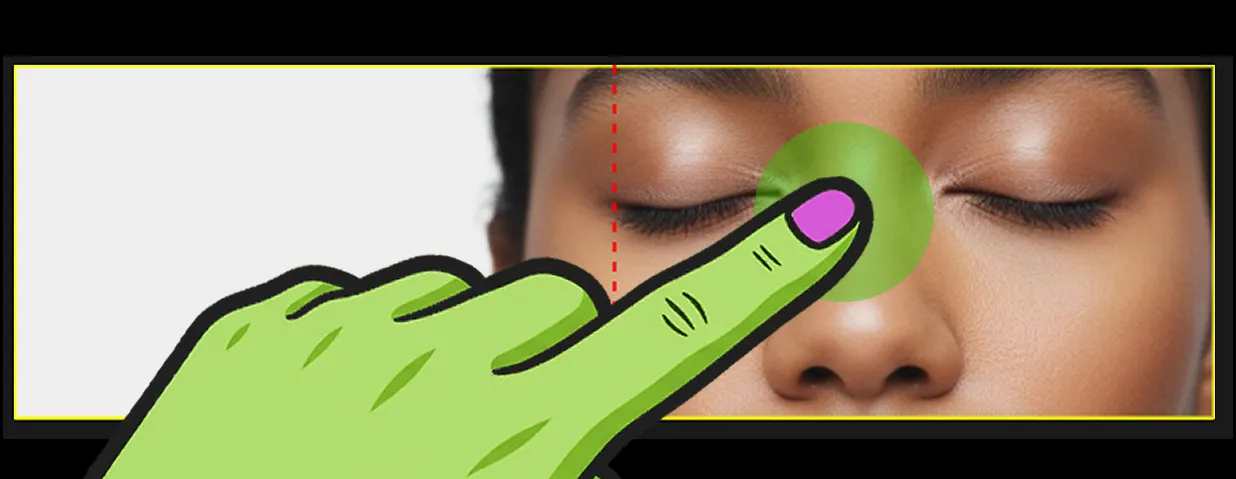
drag with one finger to reposition the image left or right
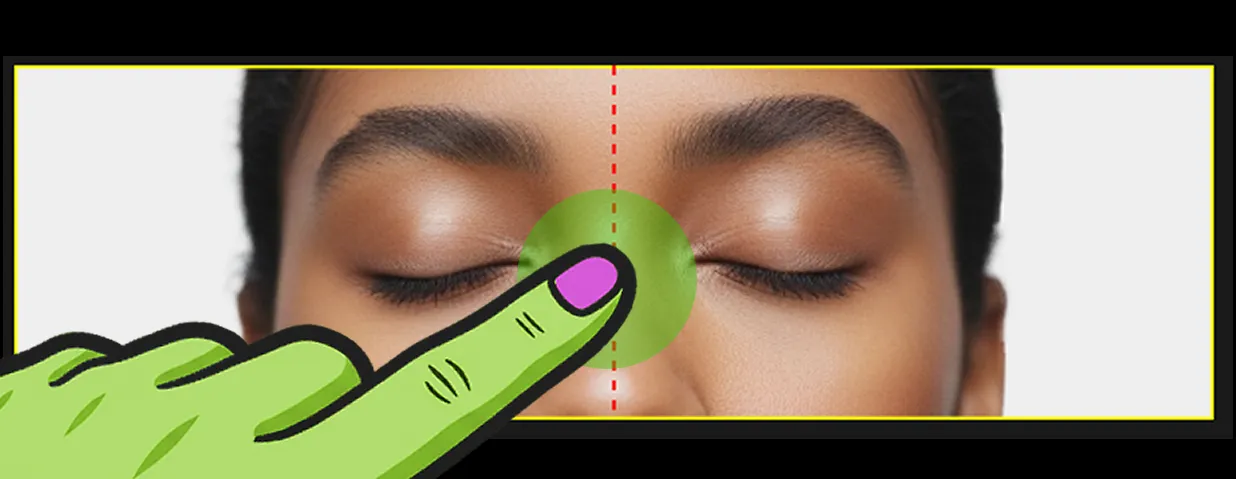
drag up or down to move the image vertically within the frame
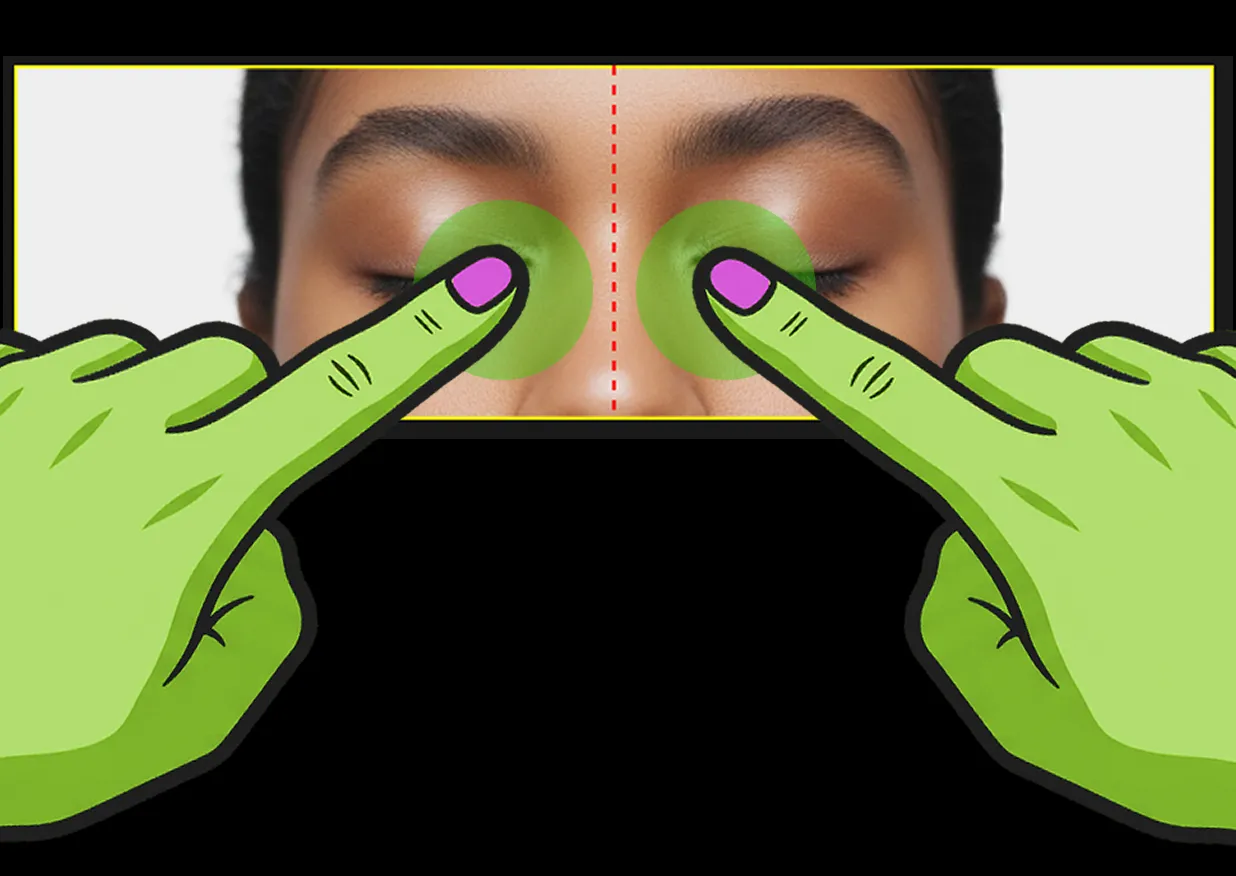
pinch with two fingers to scale the image smaller
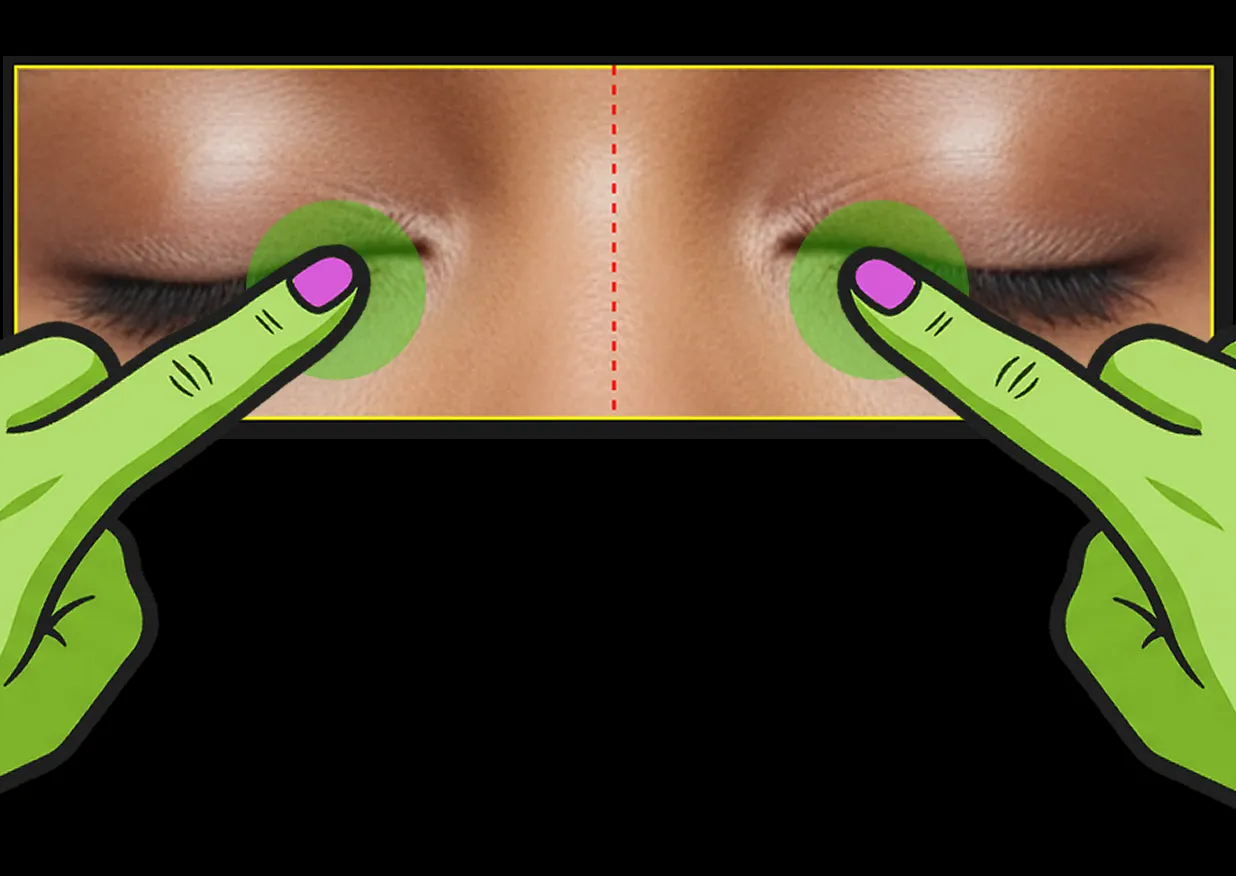
spread with two fingers to scale the image larger
Positioning
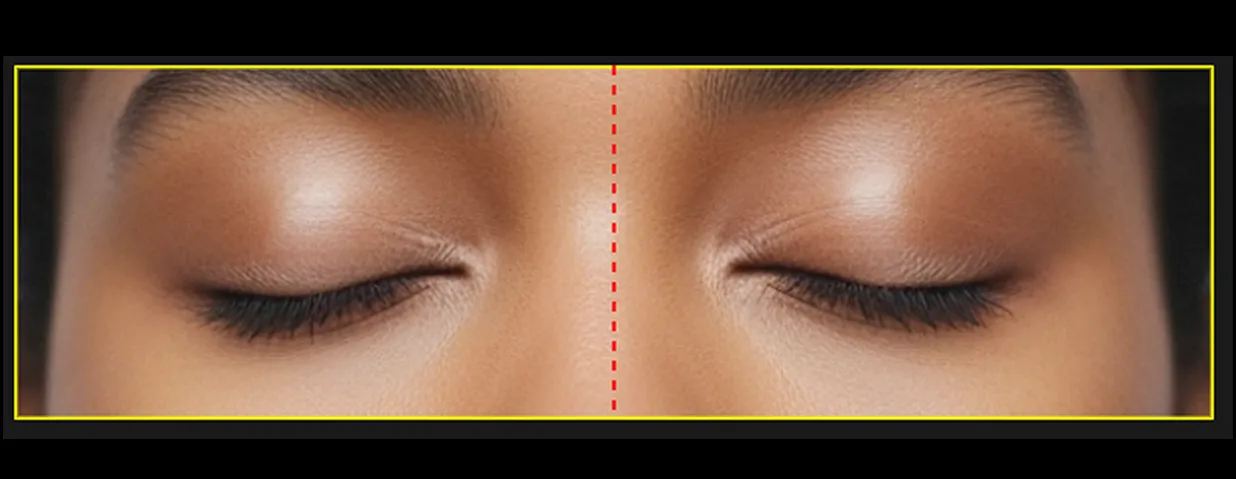
position the face part so it sits completely within the yellow frame
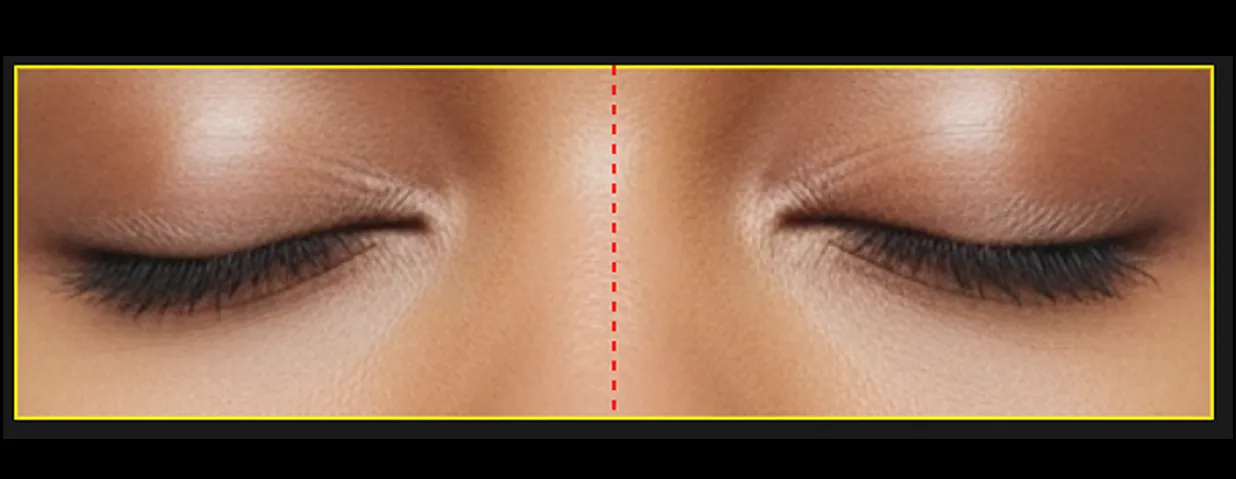
the whole feature should be visible and centred for the best result
Mirroring
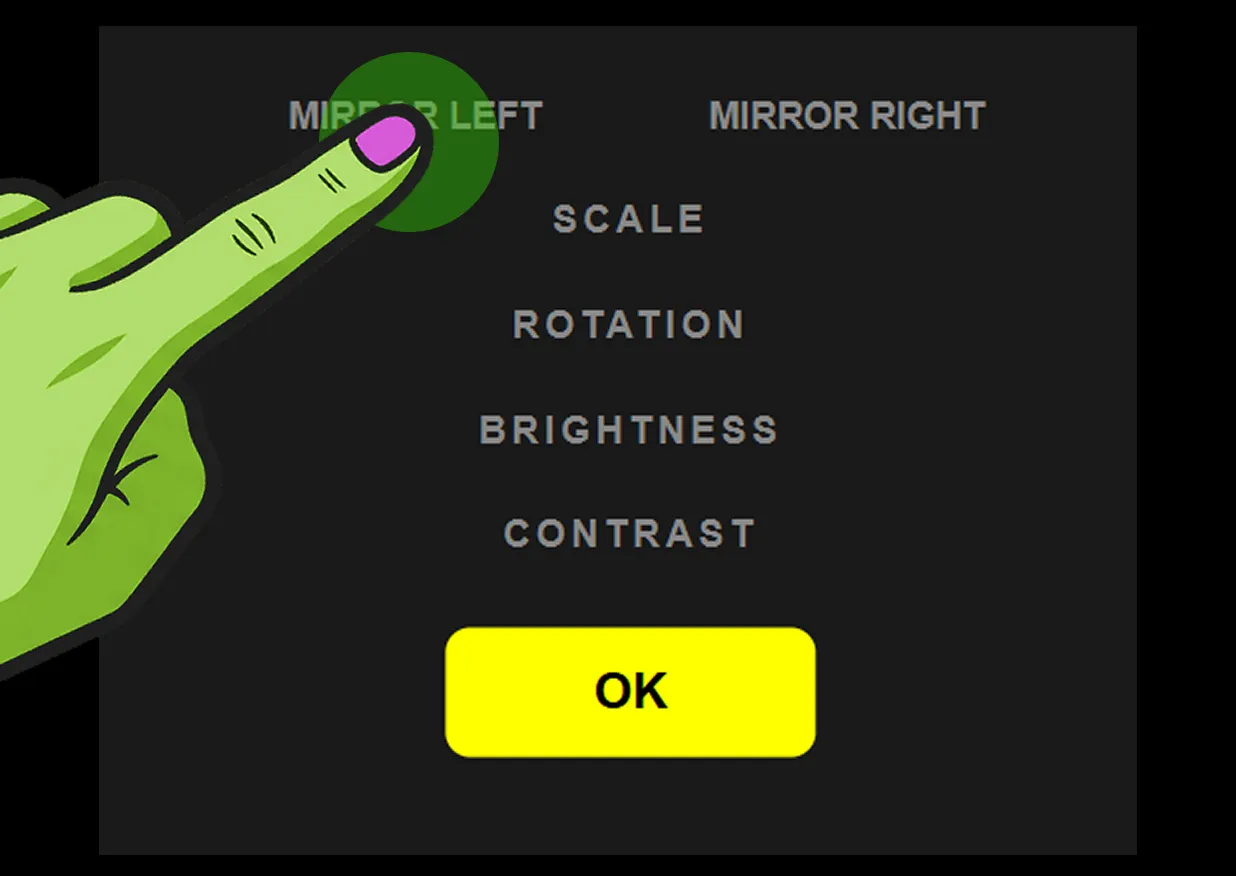
use mirror left or mirror right to flip and mirror your image — great for creating symmetrical face parts
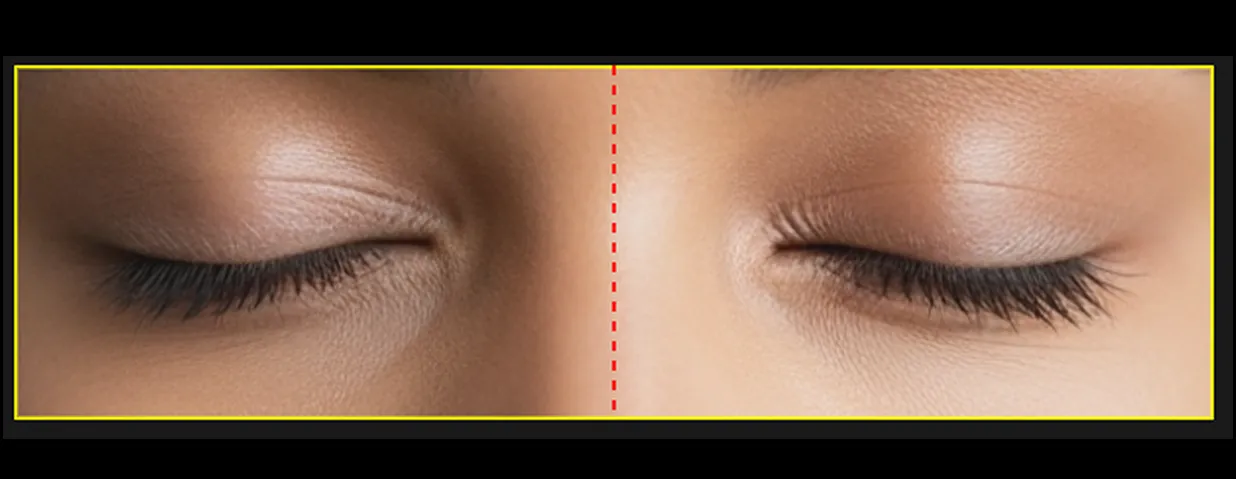
mirror left duplicates the left side of your image across both halves
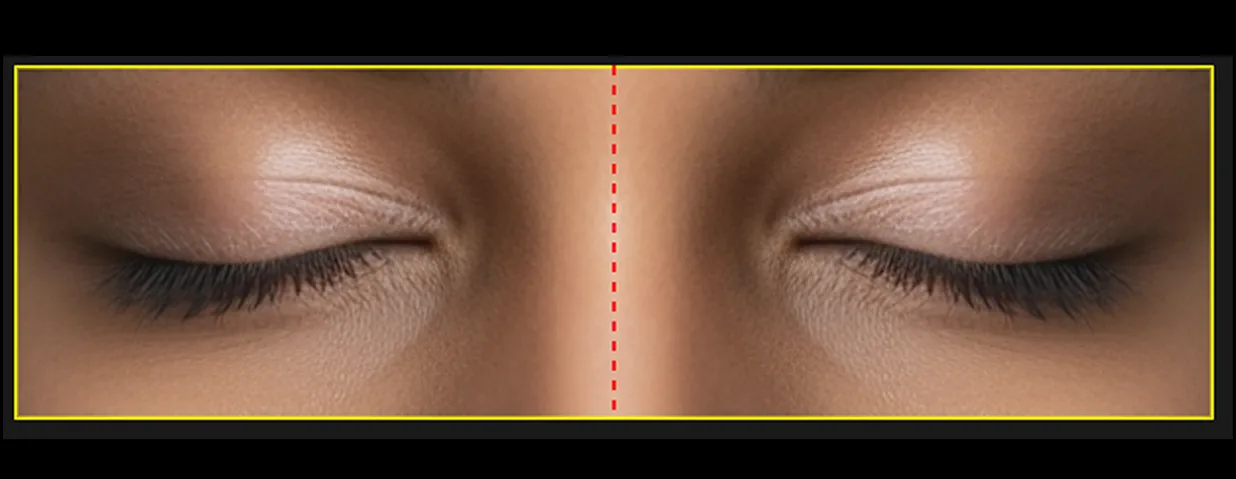
mirror right duplicates the right side of your image across both halves
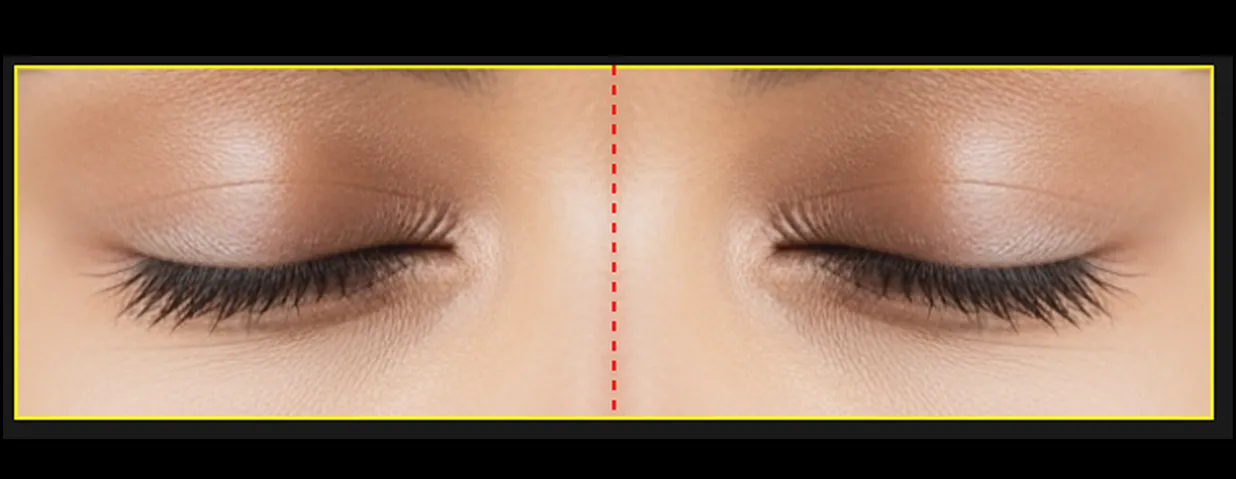
experiment with both to find the most striking result
Step 1
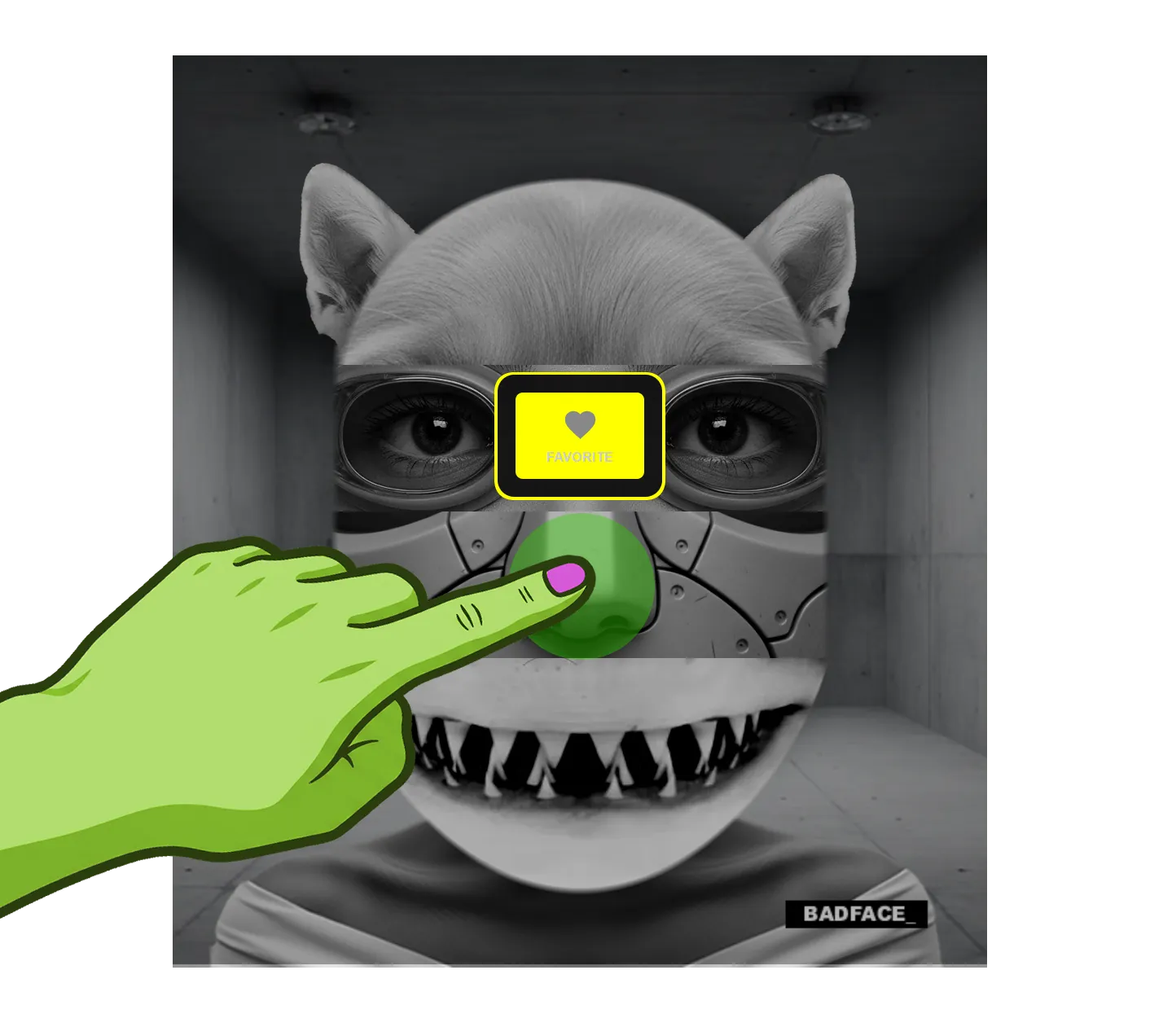
hold your finger on any carousel slide until the favourite button appears
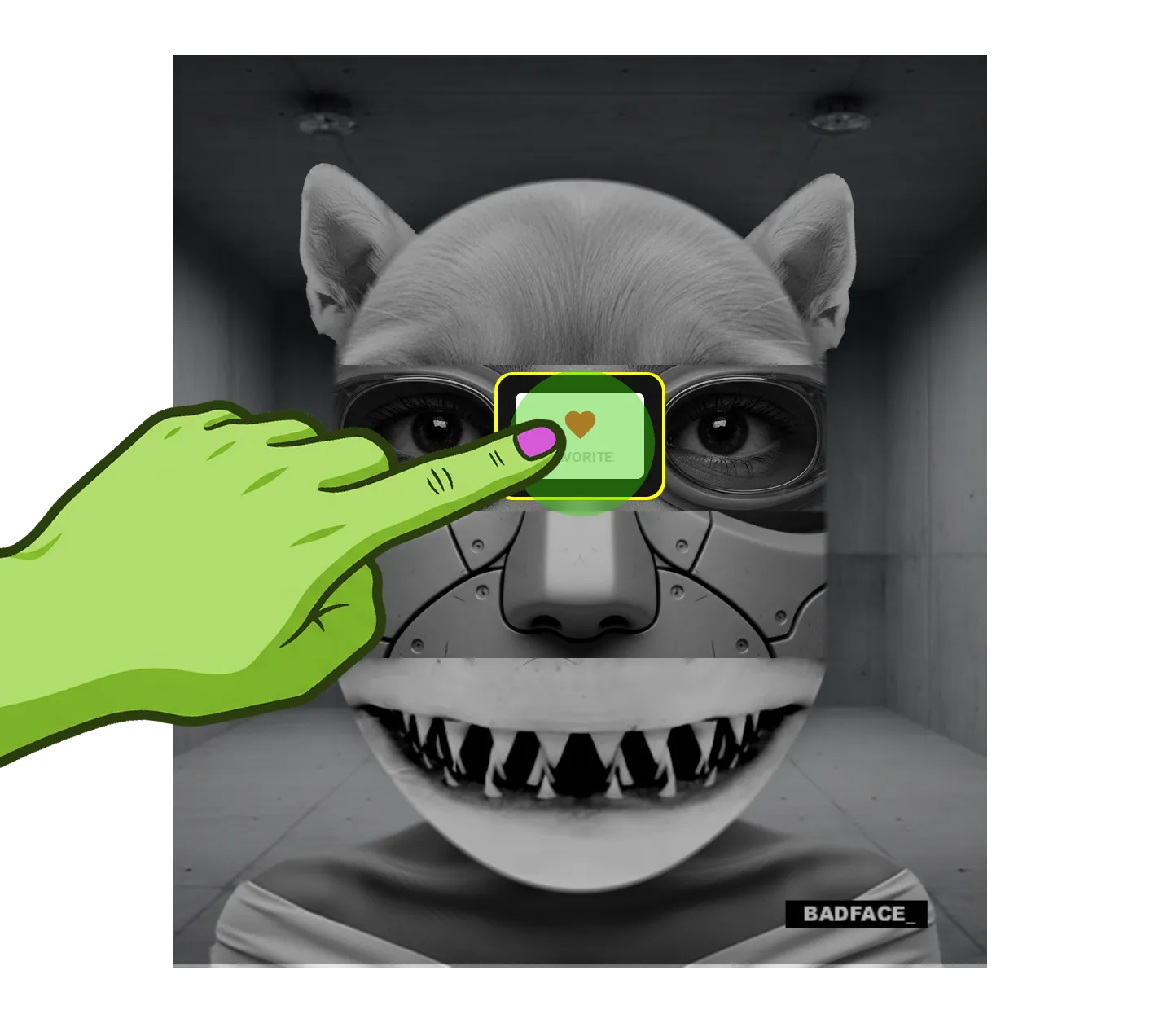
Step 2
hit the button to save that slide to your picks
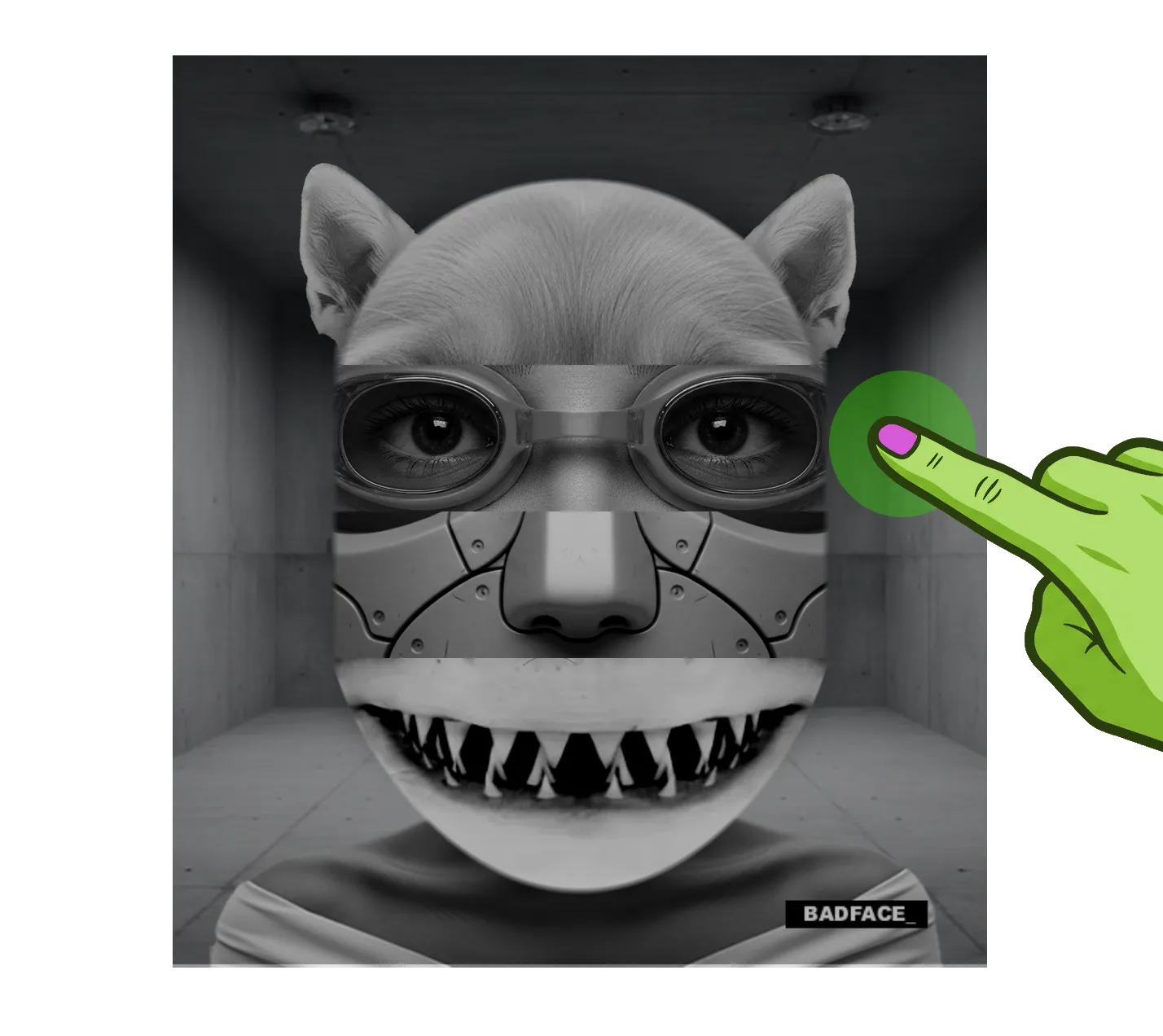
Step 3
once you have favourited or uploaded images, tapping the right zone will cycle through those only
Quick Find (Settings → Your Images) makes this the default behaviour for the right-hand tap zone — see section 7.
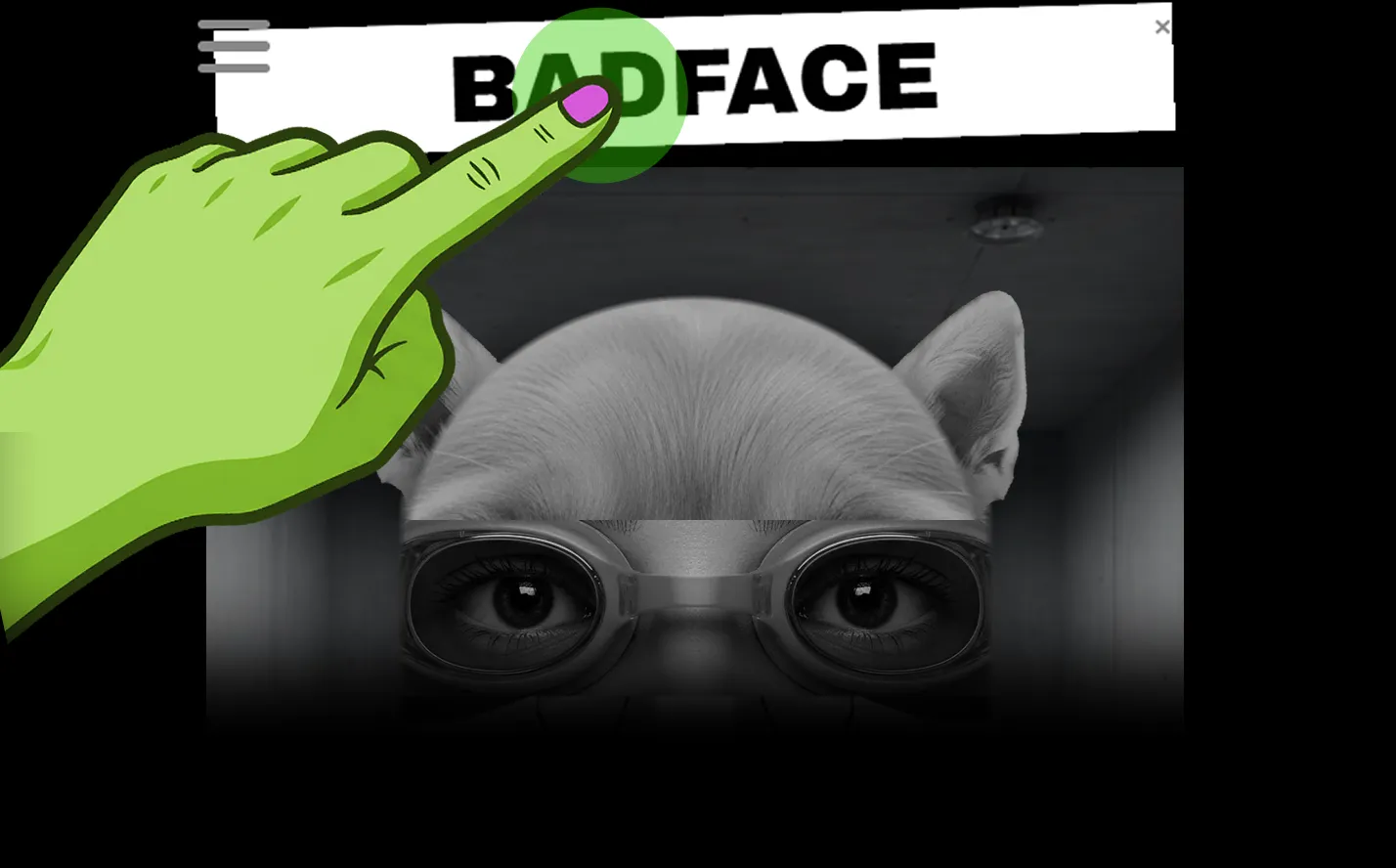
click the logo text on the face to add your own text

your text will appear as a bar on the face
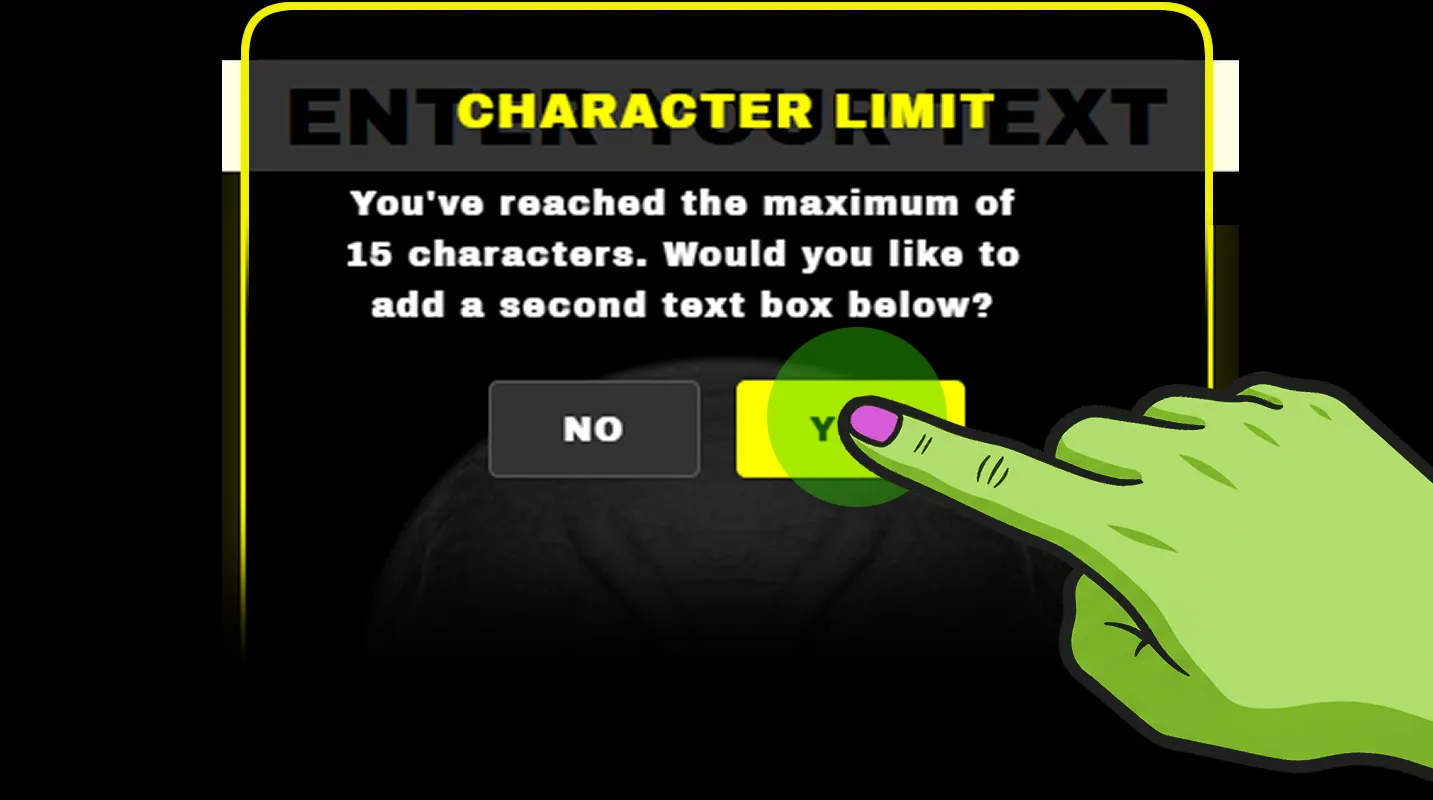
the character limit is 15 — once exceeded a popup will ask if you want to add a second text bar below

tap yes and a second text bar will appear below the face

a second text bar can also be enabled in settings directly
Beyond just typing your own words, Settings → Text Bars also gives you:
- Toggle the main "BADFACE_" logo bar on/off
- Toggle the second text bar on/off (the one offered when you go over 15 characters)
- Box Colour — 14 swatches plus transparent, for the bar behind your text
- Text Colour — 13 swatches for the text itself
Your Images

enable quick find to jump straight to your uploaded/favourited parts from the right-tap zone
toggle on to make the right-tap zone jump straight to your uploaded/favourited parts
Quick Find
include favourites (not just uploads) in that quick-find loop
Include Favourites
Shuffle

long-press the shuffle button to start autoshuffle — configure it here
shoulders join in when shuffling
Include Shoulders
backgrounds join in when shuffling
Include Backgrounds
headphones shuffle colour too, in BADBEATS mode
Show Headphones
- Random — classic slot-machine style random swap
- Spinner — each part visibly spins to a stop, one-arm-bandit style
- Cascade — parts change one after another in a ripple
- Slide — parts slide out and a new one slides in
- Split — splits and swaps
- Trickle — staggered, trickling change
- Continuous (autoshuffle only) — changes one face part at a time, continuously, instead of reshuffling everything at once. In BADBEATS mode this is synced to your BPM (see Autoshuffle Frequency below); outside BADBEATS it changes at a fixed one part per second
Text Bars

toggle each bar on/off and pick box & text colour here
See section 6 above for the rest.
Badbeats

headphone style and autoshuffle frequency live here, along with saved songs
headphones layer on/off in BADBEATS mode
Include Headphones
pick from 5 headphone colours/styles
Headphone Style
how often CONTINUOUS-style autoshuffle changes a part — 2, 4, 8 or 16 beats
Autoshuffle Frequency
collapsed by default — tap to expand and view the BPMs you've saved against specific songs
Saved Songs
Tips & Popups
Replay any of the one-time onboarding tips whenever you like: Welcome Screen, Logo Bar tip, Edit M11-M15 Moves tip, Split A Move Step tip, Shoulder Zone tip, Background Zone tip.
clears the "seen it" flag on every tip so they show again naturally next time you'd normally trigger them
Reset All
Open it from the menu. Your face starts dancing/reacting in time with a beat you control.
Auto-Detect Music
- Tap DETECT and BADFACE automatically picks up whatever song is currently playing on your device — no account, login or connecting anything required
- Once a track is detected, its BPM can be applied to the beat automatically
Getting Started
- Tap BADBEATS in the menu to enter (tap again to exit)
- If you don't touch any BADBEATS button for 10 seconds, they dim slightly to get out of the way — tap any button to bring them back to full brightness
BPM & Tempo
open tempo controls — use +/- or type a number directly
Tap BPM
tap repeatedly in time with the music to set tempo automatically
Tap Tempo
halve or double the current tempo
<< / >>
Moves & Sequences
preview and apply that dance move directly
Tap M1–M10
play a ready-made sequence
Tap SEQ1 / SEQ2
- Press and hold USER to open the sequence builder. It opens as a popup pinned above your face — tap up to 24 moves (shown 12 to a row) to build your own sequence, then tap SAVE (or CLEAR to start over) from the bar that appears over BPM/DETECT/SHUFFLE/PLAY while you're building

the full moves grid — SEQ1 and SEQ2 are ready-made, USER is yours to build

your saved USER sequence — tap any pane to edit or remove it, or add more
Custom Moves (M11–M15)
Step 1long-press any of M11–M15 to open the custom move editorLong-Press To Edit
Step 2tap a move on the grid, optionally stack +PULSE and/or +SHOULDER, then tap a pane to save it therePick A Move
Step 3long-press any pane to split it into two independently editable half-length stepsSplit A Pane

tap a direction on the grid, stack +PULSE or +SHOULDER, then confirm to save that pane
Shuffle (in BADBEATS)
randomises your face parts (same as the main SHUFFLE button)
Tap Once
starts AUTOSHUFFLE — button glows solid orange while running, long-press again to stop
Long-Press
- Set STYLE to CONTINUOUS (Settings → Shuffle) and AUTOSHUFFLE will change one face part at a time in sync with your BPM, at the rate set by Autoshuffle Frequency (Settings → BADBEATS), instead of reshuffling everything at once
- Enable headphone colour shuffling too from settings
To be added once ads and membership are built